Quick Facts
| Myth | 2026 Reality | Impact on Your Wallet |
|---|---|---|
| Macs are immune to viruses | Targeted malware for macOS is at an all-time high. | High (Identity/Data Risk) |
| 8GB Mac RAM = 16GB PC RAM | Efficiency is high, but 8GB fails in heavy 4K workflows. | Extreme (Future-proofing) |
| Charging overnight kills battery | Intelligent management makes overnight charging safe. | Low (Convenience) |
In the high-stakes world of destination reviews and international travel, I’ve learned that the "best" tool isn't always the one with the loudest marketing—it’s the one that consistently delivers when you’re 30,000 feet over the Atlantic or filing a report from a bustling Tokyo cafe. For years, the advice surrounding Apple’s MacBook lineup was static. But as we navigate the landscape of 2026, where the M4 Pro and M5 chips have redefined mobile computing, the old "truths" you heard five years ago are now expensive lies.
Buying a laptop today is a significant investment. While budget Windows laptops often cost under $500, MacBooks starting at $999 represent a different tier of commitment. However, that commitment pays off: MacBooks retain approximately 40% higher resale value after three years of use compared to their PC counterparts. To ensure you don’t waste money on hardware you don’t need—or worse, buy a machine that bottlenecks your career—we need to dismantle the myths that are still haunting the halls of Best Buy and Reddit threads.
Myth 1: Macs Are Immune to Viruses and Malware
The Reality Check: While macOS is built on a secure Unix foundation, the increasing popularity of MacBooks has led to a significant rise in targeted malware, viruses, and phishing threats.
For a long time, Mac users enjoyed "security through obscurity." Hackers focused on Windows because that’s where the users were. In 2026, the script has flipped. As MacBooks have dominated the creative, executive, and developer sectors, they have become high-value targets. Modern threats aren't just about "viruses" in the traditional sense; they are about sophisticated social engineering and browser-based exploits.
The Unix-based architecture of macOS provides excellent sandboxing, but it is not a magical shield. Phishing attacks that trick you into giving away your iCloud credentials or specialized "info-stealers" designed specifically for Apple Silicon are common. Relying solely on the OS without proactive security habits is a strategy for the 2010s, not today.

Myth 2: 8GB of Unified Memory is Equal to 16GB on a PC
The Reality Check: No. While Apple’s unified memory is highly efficient for basic tasks, 16GB RAM PCs consistently outperform 8GB Macs in demanding workflows like 4K video editing and heavy multitasking.
This is perhaps the most dangerous myth for your productivity. Apple’s marketing often highlights how "Unified Memory Architecture" (UMA) allows the CPU and GPU to share the same pool of high-speed RAM, reducing latency. While this is technically true and makes an 8GB Mac feel snappier than an 8GB Windows machine, it doesn't change the laws of physics.
In real-world testing of the 2026 M4 lineup, we found that 8GB models begin "swapping" data to the SSD much earlier than expected during heavy tasks. If you are editing 4K ProRes video or running multiple Docker containers alongside 40 Chrome tabs, that 8GB will become a bottleneck. The "efficiency" cannot compensate for a lack of raw capacity when the data sets themselves exceed 8GB. For any professional use in 2026, 16GB is the baseline, not the luxury upgrade.

Myth 3: Charging Your MacBook Overnight Destroys the Battery
The Reality Check: No. Modern MacBooks use an intelligent battery management system that prevents overcharging and optimizes the charging cycle to maintain long-term battery health.
If you are still waking up at 3:00 AM to unplug your laptop, you can stop. macOS now features "Optimized Battery Charging," which learns your daily routine. If you usually plug in at night and unplug at 8:00 AM, the system will charge the battery to 80% and wait until just before you wake up to finish the last 20%.
This minimizes the time the battery spends at a high state of charge, which is what actually causes degradation. Furthermore, the efficiency of the Apple Silicon era is staggering. The 2026 M4 Pro MacBook Pro achieves a peak battery life of 24 hours for video streaming, representing a 33% increase in efficiency over standard M-series Air models from just a few years ago. The hardware is designed to handle being plugged in for extended periods without "cooking" the cells.
Myth 4: Macs Are Overpriced Compared to Windows Laptops
The Reality Check: Initial cost is higher, but the Total Cost of Ownership (TCO) is often lower due to durability and resale value.
As a critic, I look at the "price-per-year" rather than the "price-at-checkout." While you can buy a Windows laptop for $600, its build quality—plastic chassis, mediocre trackpad, and dim screen—often leads to a replacement in two or three years. A MacBook Air, with its unibody aluminum design and industry-leading Retina display, comfortably lasts five to seven years.
When you factor in that MacBooks retain 40% higher resale value after three years, the math changes. A $1,200 MacBook that you sell for $500 after three years has a net cost of $700. A $900 PC that you sell for $150 has a net cost of $750. You paid less upfront for the PC but lost more money in the long run.
Myth 5: You Can't Play High-End Games on a Mac
The Reality Check: The M4 and M5 chips feature hardware-accelerated ray tracing and mesh shading, bringing AAA gaming closer to the Mac than ever before.
The "Macs can't game" trope died with the introduction of the M3 and has been buried by the M4. With Apple’s Game Porting Toolkit and partnerships with major studios, titles like Assassin’s Creed Shadows, Cyberpunk 2077, and Resident Evil Village now run natively on macOS.
While the Mac isn't a replacement for a dedicated liquid-cooled gaming rig with an RTX 5090, the 2026 MacBook Pro handles high-fidelity gaming with impressive frame rates and thermal efficiency. The days of the Mac being a "work-only" machine are officially over.

Myth 6: Closing Apps Always Saves Battery Life
The Reality Check: Manually quitting apps can actually drain more battery in the long run.
MacOS handles "suspended" states with extreme efficiency. When you hide an app or leave it in the background, the system freezes its state, consuming almost zero CPU cycles. If you manually quit the app and then reopen it five minutes later, the CPU has to work harder to reload the entire set of assets from the SSD into the RAM. Unless an app is "Not Responding" or is a known resource hog (like certain older versions of Chrome), it’s better to let macOS manage memory on its own.
Myth 7: Software Updates are Designed to Slow Down Older Models
The Reality Check: Slowdowns after updates are usually temporary background tasks, not "planned obsolescence."
Whenever a new version of macOS is released, users complain their "old" Mac is slow. This is almost always due to Spotlight Indexing. After an update, the system re-scans every file on your drive to update its search database and Photo library features. This process is CPU-intensive and can take 24–48 hours. Once finished, performance usually returns to normal. In fact, Apple Silicon chips have shown remarkable longevity, with M1 models from 2020 still performing admirably on 2026 software.
Myth 8: Macs Aren't Built for Serious Enterprise Work
The Reality Check: Mac adoption in the enterprise sector has surged as Microsoft 365, Salesforce, and SAP have optimized their suites for macOS.
The old "Excel is better on Windows" argument has lost its teeth. While there are still niche features in Power BI or specialized CAD software that require Windows, 95% of corporate workflows are now platform-agnostic or cloud-based. In 2026, Macs are the standard for most Silicon Valley firms and are increasingly seen in traditional finance and legal sectors due to their lower support costs and higher employee satisfaction ratings.

Myth 9: You Are Locked Into Expensive Apple-Brand Accessories
The Reality Check: The transition to USB-C and the maturity of the third-party ecosystem means you never have to buy an Apple-branded cable again.
In 2026, the "Apple Tax" on peripherals is a choice, not a requirement. Brands like Satechi, Logitech, and Anker produce keyboards, mice, and docks that are arguably better than Apple’s own offerings. With Thunderbolt 4/5 becoming standard across the MacBook lineup, any high-quality USB-C accessory will work seamlessly. You can even use high-end mechanical keyboards and gaming mice without losing functionality.
Myth 10: Macs Don't Require Maintenance or Restarts
The Reality Check: Periodic reboots are still essential for clearing memory leaks and system caches.
The "I haven't turned my Mac off in six months" boast is a recipe for a sluggish experience. While macOS is stable, small memory leaks in third-party apps and accumulated system caches can degrade performance over time. A simple restart once a week clears the RAM, flushes temp files, and allows the system to run maintenance scripts. It’s the easiest "performance hack" available.
2026 Buying Guide: Which Model Should You Actually Buy?
Choosing the right Mac in 2026 requires matching your workflow to the chip architecture. Here is the objective breakdown:
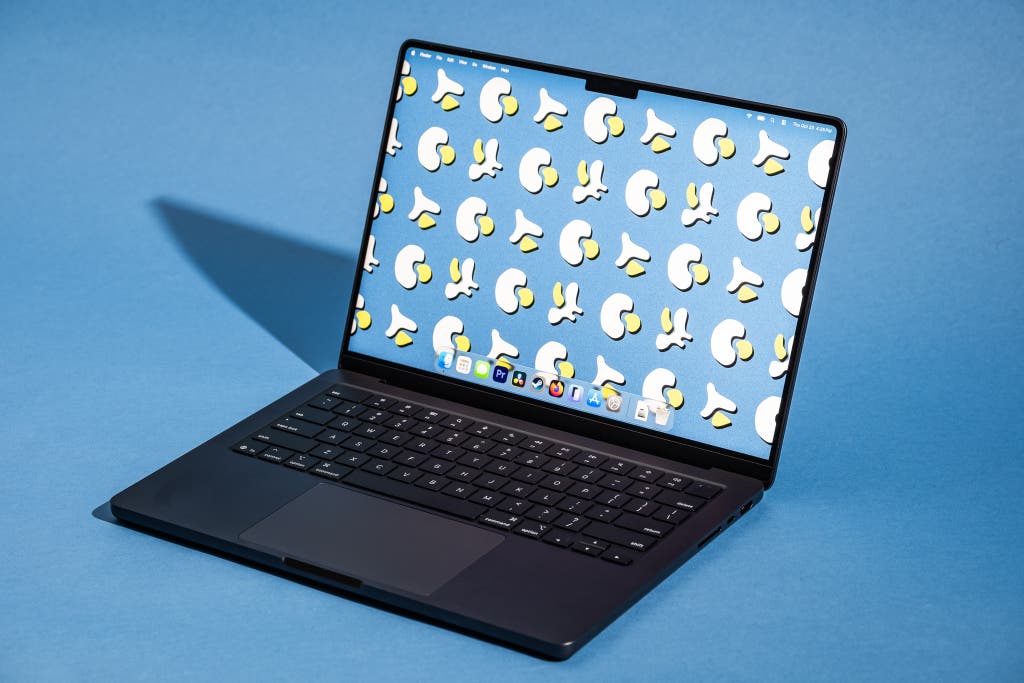
MacBook Air (M4 Chip)
Best For: Students, writers, and general business travelers.
- Pros: Incredible portability, fanless (silent) operation, all-day 18-hour battery life.
- Cons: Limited to two external displays, sustained heavy loads may cause thermal throttling.
- Verdict: The best value for 90% of users. Just make sure to configure it with at least 16GB of RAM.
MacBook Pro (M4 Pro / M5 Chip)
Best For: Video editors, 3D artists, and software developers.
- Pros: ProMotion 120Hz display, incredible port selection (HDMI 2.1, SDXC), peak 24-hour battery.
- Cons: Heavier and significantly more expensive.
- Verdict: A powerhouse that will remain relevant for at least 6–7 years. The M5 model is the current performance benchmark for mobile workstations.
Refurbished M2 / M3 Models
Best For: Budget-conscious buyers who still want premium quality.
- Pros: Significantly lower price, 90% of the experience of the newer models.
- Cons: Shorter remaining software support window.
- Verdict: The "sweet spot." An M3 MacBook Air with 16GB of RAM is often a better purchase than a base-model M4 with 8GB.
FAQ
Q: Should I wait for the M6 chip? A: In tech, there is always something better on the horizon. If your current machine is preventing you from working efficiently, buy now. The M4 and M5 are so powerful that the incremental gain of an M6 won't be noticeable for most users.
Q: Is AppleCare+ worth it for a MacBook? A: As a travel critic who has seen laptops dropped in airports and coffee spilled in lounges: Yes. MacBooks are expensive to repair. A single screen replacement can cost $600+, making the upfront cost of AppleCare+ a wise insurance policy.
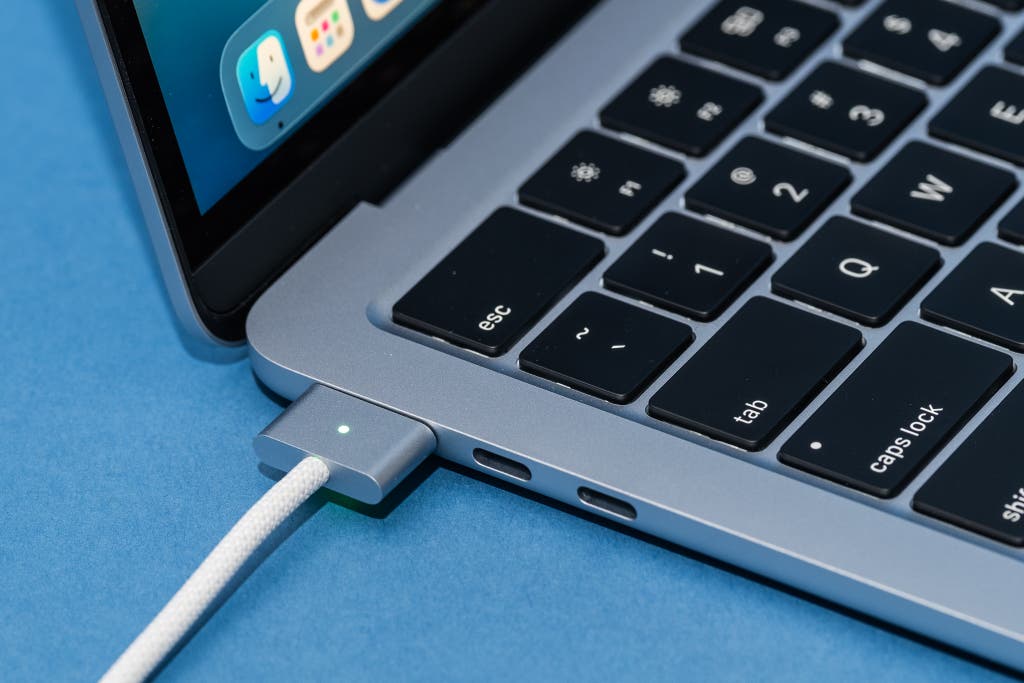
Q: Can I use my old MagSafe chargers with the new 2026 models? A: Yes, the MagSafe 3 connector has remained consistent across the recent generations, allowing for backwards compatibility with chargers from the M1/M2 Pro era.
Ready to upgrade your mobile office? Before you hit the "Buy" button, take a moment to audit your real-world needs. Don't let 2015-era myths dictate your 2026 investment. If you need a machine that survives the rigors of travel and the demands of modern software, the MacBook remains the gold standard—provided you buy it for the right reasons.