You just snagged a sleek new Dolby Atmos system for the living room. Congratulations—your movie nights are about to get a serious upgrade. But now that old 2.1-channel soundbar is sitting in a cardboard box in the hallway, gathering dust. Most people see electronic waste or a low-value Facebook Marketplace listing; I see a $200 windfall and a lifestyle upgrade waiting to happen.
Upcycling a retired soundbar for home use can save you an average of $200 compared to purchasing a new mid-range dedicated wireless speaker. Whether you’re looking to boost your workout motivation or reclaim desk space in your home office, that "old" gear still has plenty of life left in it. To use an old soundbar in a home gym, simply connect it to your smartphone via Bluetooth for high-energy workout playlists or link it to a wall-mounted TV to enhance the audio for video-led training sessions. If you’re a gamer, repurposing a soundbar for a PC setup is an effective way to save desk space, as its slim profile fits perfectly under monitors and provides a single-cable alternative to traditional, messy multi-speaker systems.
The Upgrade Trap: Why Your 'Old' Soundbar is a Goldmine
In the world of budget travel and gear hacking, we have a golden rule: never discard something that still functions until you've explored every "off-label" use. Soundbars are the ultimate candidates for this. Unlike a ten-year-old smartphone that can barely run an app, a five-year-old soundbar still produces audio that is miles better than the built-in speakers on any laptop, budget TV, or cheap Bluetooth "hockey puck" speaker.
The logic of upcycling is simple: you’re taking a high-quality component and moving it to a room where the audio standards are currently "zero." By moving that retired bar to your garage or office, you are instantly upgrading that environment for $0. Plus, soundbars are designed to be slim and unobtrusive, making them much easier to integrate into weird spaces than bulky bookshelf speakers.
1. Transform Your Home Gym into a High-Energy Studio
If you’ve been training with tinny earbuds or the pathetic speakers on your phone, you’re doing it wrong. A survey of home gym enthusiasts found that 72% prefer using external speakers over headphones. Why? Because it allows for "environmental awareness"—you can hear if the doorbell rings, if the kids are waking up, or if your form is causing a weird rattle in your squat rack—all while staying immersed in your music.
Setting up what I call the "Iron Paradise" sound system is remarkably straightforward. If your soundbar has Bluetooth (and almost all made in the last decade do), it becomes your dedicated gym hub.
Equipment List for the Iron Paradise:
- The Soundbar: Your retired unit (ideally with a wireless subwoofer).
- Wall Mounts: Simple L-brackets or the original mounting kit.
- Power Extension: A heavy-duty surge protector to handle the bar and a fan.
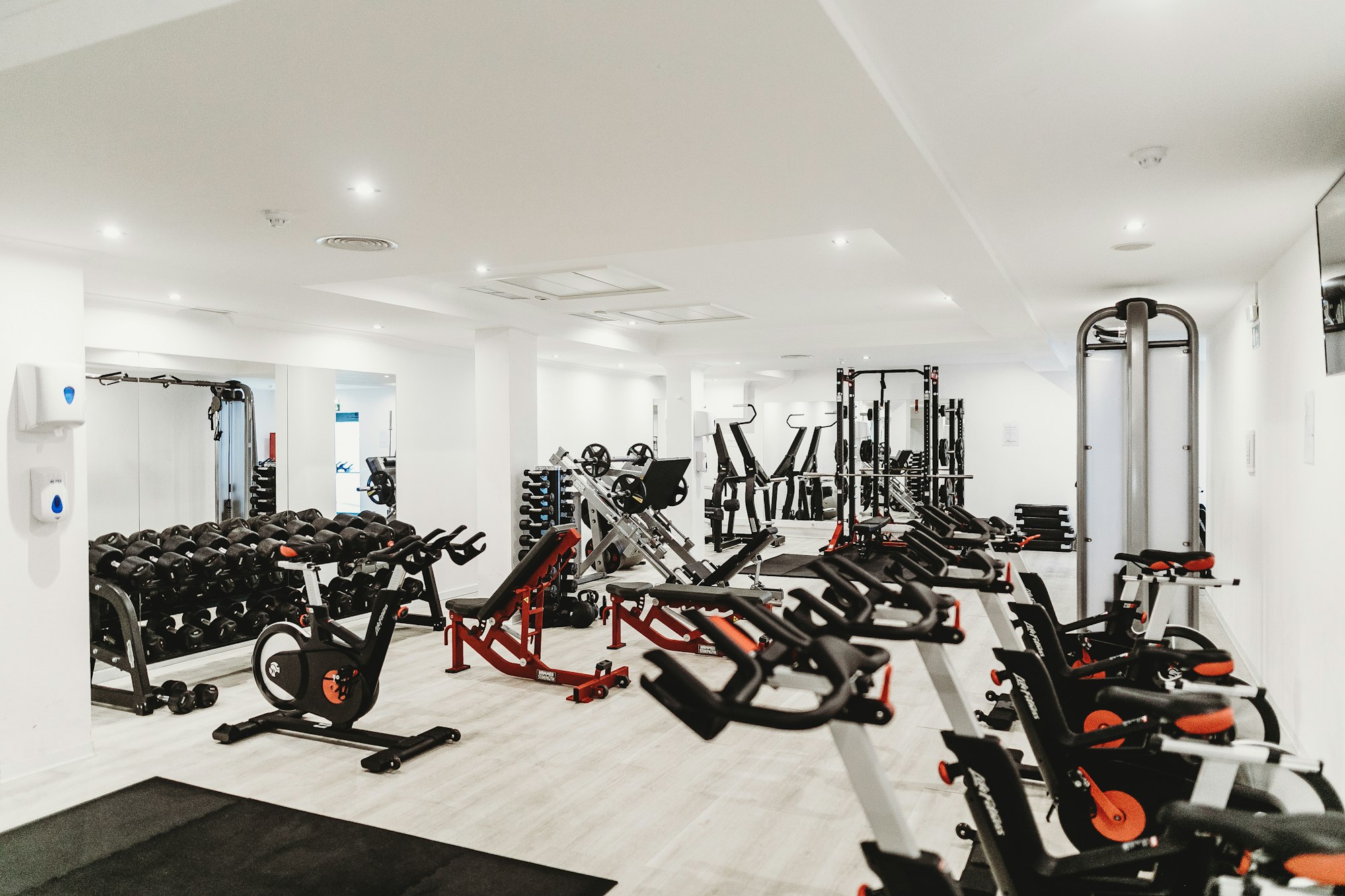
Pro-Tip for Gym Audio: Mount the soundbar at head height when you are standing. This ensures the high frequencies hit your ears directly, cutting through the noise of a treadmill or clanging plates. If your gym is in a garage with concrete floors, the sound might bounce around and get "muddy." To fix this, place a rubber gym mat directly under the soundbar to absorb some of that floor reflection.
2. Dust Off the Vinyl: Connecting to a Record Player
There is a beautiful irony in connecting a vintage-style record player to a modern digital soundbar. You get the tactile "warmth" of vinyl with the clarity and footprint of modern tech. However, this is where most people run into a technical hurdle.
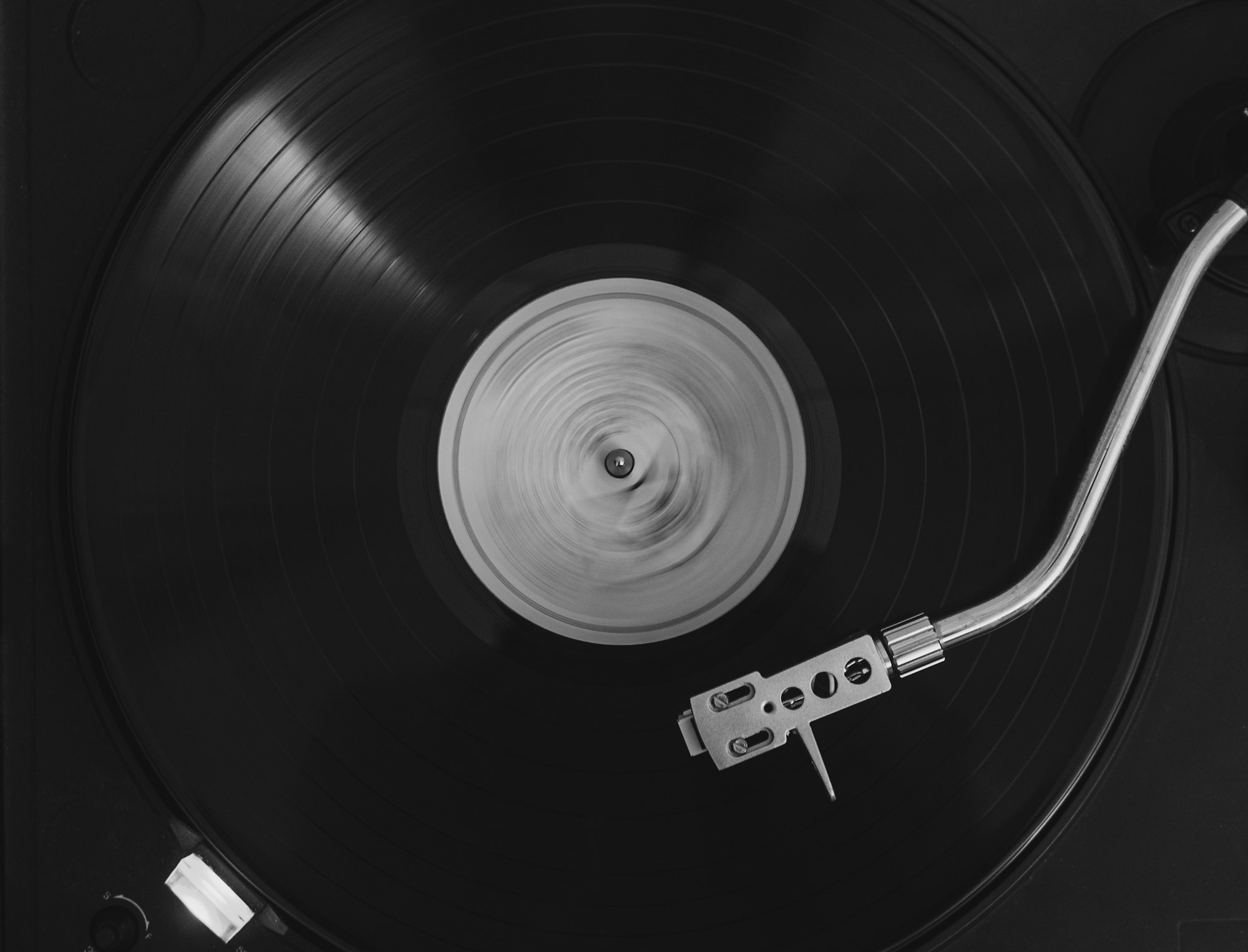
Older turntables produce a very weak signal called "Phono" level. If you plug a vintage record player directly into the AUX port of a soundbar, you’ll barely hear a whisper even at max volume. To make this work, you need to identify if your turntable has a built-in pre-amp. Many modern "entry-level" turntables (like those from Audio-Technica or Victrola) have a switch on the back that says "Phono/Line." Switch it to "Line," and you’re good to go.
The Technical Fix: If your turntable lacks a built-in pre-amp or Bluetooth, you will need to purchase an external phono pre-amp. These can be found for as little as $20–$30 online. You connect the record player to the pre-amp, and the pre-amp to the soundbar’s AUX or RCA inputs.
Daniel’s Resourceful Hack: If your soundbar has an Optical input but no AUX, and your record player is strictly analog, you can buy a "Digital to Analog Converter" (DAC) in reverse. But honestly, most retired soundbars have a 3.5mm jack—check that first before buying extra cables.
3. The Ultimate PC Gaming 'Battlestation' Hack
Most PC speakers are either cheap, plastic trash or expensive, multi-piece systems that create a "cable jungle" under your desk. This is where the soundbar shines. Its slim profile allows it to slide right under your monitor stand, firing audio directly at your chest while keeping your desk surface clear for your mouse and keyboard.
For gaming, "latency" (the delay between seeing a gunshot and hearing it) is the enemy. While Bluetooth is fine for Spotify, it’s often too slow for competitive gaming.
Connectivity Comparison for Gamers:
| Connection Type | Latency | Sound Quality | Difficulty |
|---|---|---|---|
| Optical (Toslink) | Zero | High | Easy (Plug & Play) |
| 3.5mm AUX | Zero | Medium (Analog) | Easiest |
| Bluetooth | High (Delay) | Medium | Moderate (Pairing) |
| USB (If supported) | Zero | High | Hard (Drivers needed) |
Pro-Tip: If your soundbar is too long for your desk, consider wall-mounting it just above your monitor, angled slightly downward. This creates an "overhead" soundstage that makes single-player RPGs like The Witcher or Elden Ring feel incredibly immersive.
4. Take the Party Outside: Outdoor and Garage DIY
Nothing kills the vibe of a backyard barbecue like a tiny, screeching Bluetooth speaker struggling to be heard over the grill and the conversation. A soundbar, with its wider soundstage, is built for this.
However, you have to be smart about protection. Most indoor soundbars are not "weather-rated." If you look at the specs, you won't see an IP rating (like IP55 or IP67), which means moisture and dust are the enemy.
Outdoor Setup Strategies:
- The "Removable" Station: Mount the bracket under a deck overhang or patio roof. Keep the power cable accessible. Bring the bar outside only when the party starts and take it in at night.
- The Garage Workshop: This is the safest bet. Mount the soundbar above your workbench. It’s perfect for listening to podcasts while tuning the car or DIYing furniture. The dust in a garage is real, so give the speaker mesh a quick vacuum once a month.

If you're determined to leave it outside, you can find "Soundbar Covers" on Amazon for under $20. These heavy-duty, waterproof bags zip around the unit when not in use, protecting it from the morning dew and wandering spiders.
5. Creative Bonus: Karaoke and Furniture Upcycling
If you really want to go off the deep end of DIY, turn that old bar into a home karaoke machine. Modern soundbars are fantastic for this because they handle mid-range vocals much better than standard TV speakers.
The Setup: You’ll need a small karaoke mixer (brands like Sound Town or Rybozen make budget-friendly kits). You plug your microphones and your music source (like a laptop or tablet) into the mixer, and then run a single cable from the mixer to the soundbar’s AUX port. It’s an instant party in a box.

For those into home aesthetics, don't be afraid to change the look of the bar. If the black plastic clashes with your guest room or gym, you can use mineral paint or even high-quality contact paper on the plastic chassis (just stay away from the speaker mesh and ports!). I've seen soundbars integrated directly into custom-built wooden mantels or hidden inside "hollow" floating shelves for a completely invisible audio setup.
Essential Setup Checklist: Hardware & Connectivity
Before you start drilling holes in your walls, run through this checklist to ensure you have everything you need for a "pro" repurposing job.
- Cable Management: Don't let your "budget hack" look like a mess. Buy a pack of Velcro cable ties and some adhesive cable clips to hide the power brick behind the mounting surface.
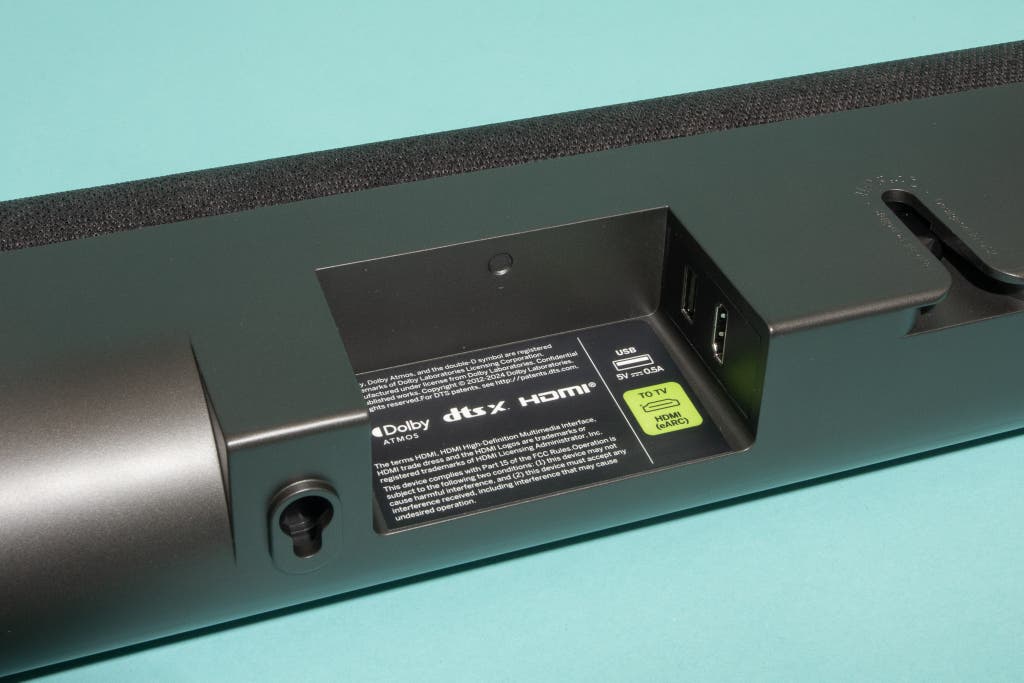
- Identify Your Ports: Look at the back of the bar. Do you see HDMI ARC, Optical (a square-ish hole with a flap), or a 3.5mm AUX? Matching your source to your bar's best port is the difference between "okay" and "amazing" sound.
- Remote Control: If you lost the remote, don't panic. Check if your bar has physical buttons on the side. If not, you can usually buy a generic replacement remote for $10, or use a "Universal Remote" app if your phone has an IR blaster.
- Mounting Hardware: If you don't have the original wall mounts, "Universal Soundbar Brackets" are readily available. Some even attach directly to the VESA holes on the back of a TV or monitor, saving you from drilling into the wall.
FAQ
Q: Can I connect my old soundbar to my computer if it only has HDMI? A: It depends. Most soundbars use HDMI ARC (Audio Return Channel), which is designed for TVs. If your PC motherboard or GPU doesn't specifically support ARC, it might not recognize the soundbar. In this case, use the Optical or AUX port for a guaranteed connection.
Q: My soundbar has a wireless subwoofer. Can I still use it in the garage? A: Absolutely. Just remember that the subwoofer usually needs its own power outlet. The "wireless" part only refers to the connection between the bar and the sub, not the power. Keep the sub on the floor in a corner to get the best bass response.
Q: Will using a soundbar outdoors void the warranty? A: Almost certainly. But since this is a "retired" soundbar that you were going to toss or sell for pennies anyway, the risk is minimal. Just keep it out of direct rain and high humidity.
Reclaim Your Gear
In a world that wants you to keep buying "new," the most rebellious (and resourceful) thing you can do is make your old gear work harder. That retired soundbar isn't a relic; it's a high-performance tool waiting for a new job. Whether it's fueling your 6:00 AM workout or bringing your vinyl collection to life, it’s time to get it out of the box and back onto the wall.
Ready to start? Go grab that soundbar, check the ports, and pick one room in your house that’s currently "silent." You're just one cable away from a major upgrade.